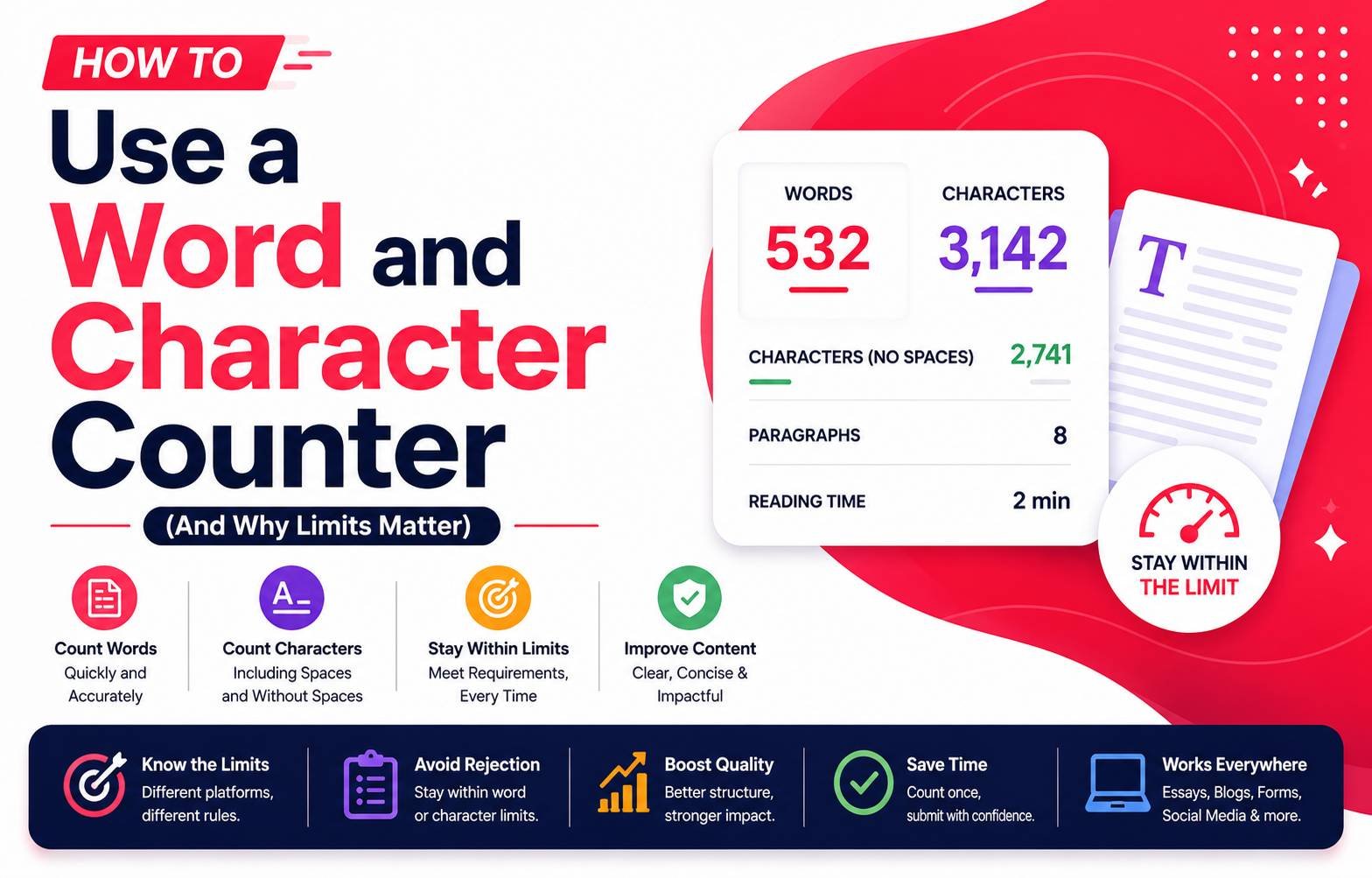
How to Use a Word and Character Counter (And Why Limits Matter)
Word and character limits show up everywhere — essay requirements, meta descriptions for SEO, Twitter/X posts, application form fields, and text message segments. Going even slightly over a limit can mean a rejected form submission, a truncated social post, or a lost mark on an academic assignment. A word counter tool takes the guesswork out of it, but knowing how different platforms count text differently helps you avoid surprises.
Why Word and Character Limits Exist
- Academic assignments: Word limits enforce conciseness and ensure fairness across submissions of comparable length
- SEO meta descriptions: Search engines truncate descriptions beyond a certain character count (typically around 150-160 characters), so anything longer gets cut off with “…” in search results
- Social media platforms: Character limits (like X’s 280-character limit) are built into the platform architecture itself
- Application forms: Many online forms cap field lengths to keep database entries manageable and consistent
Words vs. Characters: Why the Distinction Matters
A word counter and character counter measure different things, and mixing them up is a common source of confusion:
- Word count measures the number of space-separated words, useful for essays, articles, and reports
- Character count measures every individual letter, number, space, and punctation mark, which matters for platforms with strict character-based limits (like SMS, meta descriptions, or X posts)
A sentence with a handful of long words might blow past a character limit while staying well under a word limit, so always check which type of limit actually applies to your situation.
How to Use a Word/Character Counter Effectively
- Paste or type your text into the counter tool
- Check both the word count and character count simultaneously, since some platforms specify one or the other
- Adjust your text until it fits within the required limit
- Some tools also show a live count as you type, letting you write directly within the tool rather than checking after the fact
Writing Effectively Within a Tight Limit
Cutting text down to fit a strict limit without losing the core message takes a bit of practice:
- Remove filler words first (very, really, actually, just) — these rarely change meaning but add up in count
- Combine short sentences where it doesn’t hurt clarity, since sentence structure overhead (periods, conjunctions) adds to the count too
- Prioritize the core message early in the text, so if it does get cut off on a platform with a truncation limit, the most important part is still visible
- Avoid redundant phrasing — saying the same idea two different ways to “pad” content usually reads as repetitive rather than adding value
SEO Meta Descriptions: A Special Case
For anyone writing content for a website, meta descriptions deserve particular attention since they directly affect how a page appears in search results:
- Keep meta descriptions under roughly 155-160 characters to avoid truncation in search results
- Include the primary keyword naturally within the description, ideally near the beginning
- Write a description that reads naturally and encourages a click, rather than just stuffing in keywords
SMS and Messaging Character Limits
Text messages have their own quirks — a standard SMS segment is limited to 160 characters, and going over that splits the message into multiple segments (which some messaging services charge for individually). If you’re drafting a bulk SMS campaign, checking character count against the 160-character segment boundary avoids unexpectedly higher costs from a message spilling into a second segment.
Final Thoughts
A word and character counter is a small tool, but it solves a recurring problem across a huge range of everyday tasks — from academic writing to SEO to social media. Understanding the difference between word count and character count, and knowing which one actually applies to your specific limit, prevents the common mistake of measuring the wrong thing and ending up over a platform’s actual restriction.