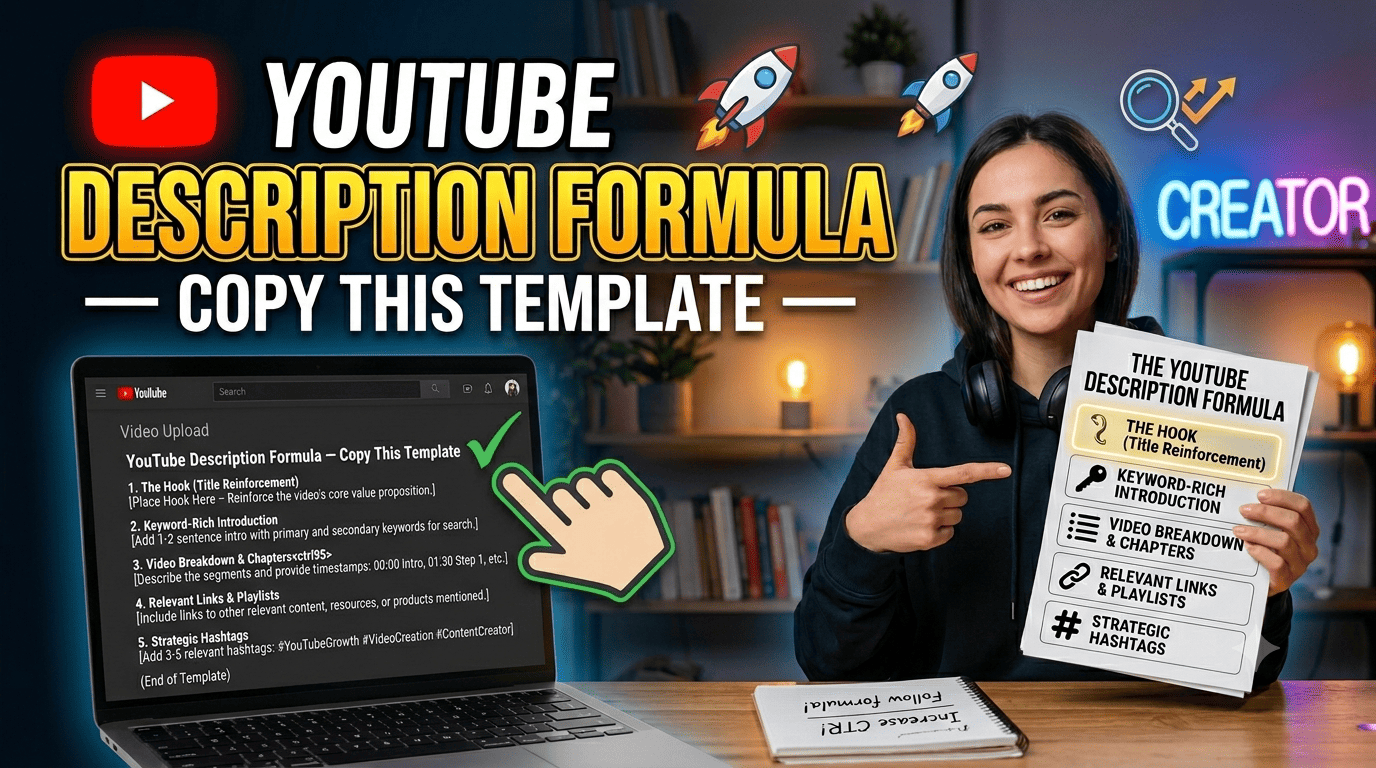
YouTube Description Formula — Copy This Template
Most YouTube creators write their description as an afterthought. They finish editing, hit upload, type two sentences, and publish. Then they wonder why their video is not ranking.
Your description is one of the most powerful SEO tools you have — and it is completely free to use properly. This guide gives you a copy-paste description template you can use for every single video, plus explains why each section matters.
Why Your YouTube Description Matters More Than You Think
YouTube’s algorithm cannot watch your video. It reads your description to understand what your video is about. The better you describe your content, the more accurately YouTube can match it to the right viewers.
Beyond SEO, your description is also a conversion tool. Viewers who click “Show more” are already engaged — a well-written description turns them into subscribers, social media followers, and website visitors.
Here is what a good description does:
- Helps YouTube rank your video for the right keywords
- Gives viewers a reason to watch the full video
- Directs traffic to your other videos, social pages, and website
- Includes timestamps so viewers can navigate easily
- Builds trust with a consistent, professional appearance
The First 2 Lines Are Everything
YouTube shows only the first 2 to 3 lines of your description before cutting it off with a “Show more” button. On mobile, this is sometimes just 1 line.
These visible lines appear in search results and on the video page. They must:
- Include your main keyword naturally
- Tell the viewer exactly what they will learn or get from watching
- Create enough curiosity to make them want to watch
Bad example:
“In this video I talk about YouTube tags and stuff. Hope you enjoy and don’t forget to like and subscribe!”
Good example:
“Learn exactly how YouTube tags work in 2026 and which tags get your videos discovered faster. This complete beginner guide covers how many tags to use, where to put them, and the one mistake that kills your reach.”
The difference is night and day. The good version has a keyword (“YouTube tags 2026”), a clear benefit, and tells the viewer what they will get.
The YouTube Description Template
Copy this template and fill in the brackets for every video:
[Write 2 to 3 sentences here. Include your main keyword in the first sentence. Tell viewers exactly what they will learn or gain from this video. Make it compelling enough to watch.]
In this video you will learn:
— [Key point 1]
— [Key point 2]
— [Key point 3]
— [Key point 4]
TIMESTAMPS
0:00 — Introduction
[Time] — [Chapter Title]
[Time] — [Chapter Title]
[Time] — [Chapter Title]
[Time] — Conclusion
FREE TOOLS MENTIONED
[Tool name] — [URL]
[Tool name] — [URL]
RELATED VIDEOS YOU MIGHT LIKE
[Video title] — [URL]
[Video title] — [URL]
CONNECT WITH US
Website: [your website URL]
Contact: [your contact page URL]
[Optional: 3 to 5 relevant hashtags at the very bottom]
YouTubeTips #[YourNiche] #[TopicKeyword]
This template works for any niche. Fill in your actual content and you have a complete, SEO-friendly description in minutes. Or use our free Description Generator at tubevideosaver.com/youtube-description-generator to generate one automatically.
Breaking Down Each Section
Opening Paragraph — The SEO Core
This is where your keywords live. Include your main keyword phrase naturally in the first sentence. Do not keyword-stuff — write naturally but be intentional. Aim for 3 to 5 sentences maximum.
What You Will Learn — The Hook
Bullet points work well here. They are easy to scan and tell viewers immediately whether this video is right for them. Each bullet should be a specific takeaway, not vague filler.
Timestamps — The Navigation Aid
Timestamps serve two purposes. First, they create clickable chapter markers on your video that viewers can skip to. Second, Google sometimes shows these chapters directly in search results, which dramatically increases your click-through rate.
Format each timestamp exactly like this:
0:00 — Intro
1:23 — Section Title
The double dash and capitalisation matter for YouTube to recognise and activate the chapters automatically.
Related Videos — The Watch Time Booster
Linking to your other videos keeps viewers on your channel longer. More watch time means YouTube is more likely to recommend your content. Always link to 2 or 3 of your most relevant videos.
Hashtags — The Discovery Tool
Place 3 to 5 hashtags at the very end of your description. YouTube displays the first 3 hashtags above your video title in the app, giving you extra keyword visibility. Use specific, relevant hashtags — not generic ones like #video or #youtube.
Description Length — How Long Should It Be?
There is no perfect length, but a useful guide is:
- Minimum: 200 words (enough for basic SEO)
- Ideal: 300 to 500 words
- Maximum: YouTube allows up to 5,000 characters
Longer descriptions give YouTube more context to rank your video — but only if the content is genuinely relevant. Do not pad your description with repeated keywords. Write naturally.
Keyword Placement Strategy
Place your main keyword:
- In the first sentence (most important)
- Once more naturally in the body
- In one of your hashtags
Place secondary keywords:
- Naturally throughout the body text
- In your “What You Will Learn” bullets
- In your chapter timestamp titles
Never repeat the exact same keyword phrase more than 2 to 3 times. YouTube is smart enough to detect keyword stuffing and it can hurt your ranking.
Use Our Free Description Generator
Writing a full description for every video takes time. Our free YouTube Description Generator at tubevideosaver.com/youtube-description-generator creates a complete description in 3 different styles — Professional, Casual, and SEO-focused — with auto-generated timestamps included.
No signup. No limits. Takes 10 seconds.
Final Checklist Before You Publish
Before hitting publish, check your description against this list:
✅ First sentence includes your main keyword
✅ First 2 lines are compelling enough to make someone watch
✅ “What you will learn” bullets are specific and honest
✅ Timestamps are formatted correctly (will activate chapters)
✅ At least 2 links to your other related videos
✅ 3 to 5 relevant hashtags at the very bottom
✅ No keyword stuffing or copy-pasted filler text
✅ Description is at least 200 words
Final Thoughts
Your YouTube description takes 5 extra minutes to do properly and it works for the lifetime of your video. Every search, every recommendation, every suggested video placement is influenced by how well you describe your content.
Use the template above, or generate yours free at tubevideosaver.com/youtube-description-generator. Then pair it with our Title Generator and Tag Generator for a complete SEO setup on every upload.