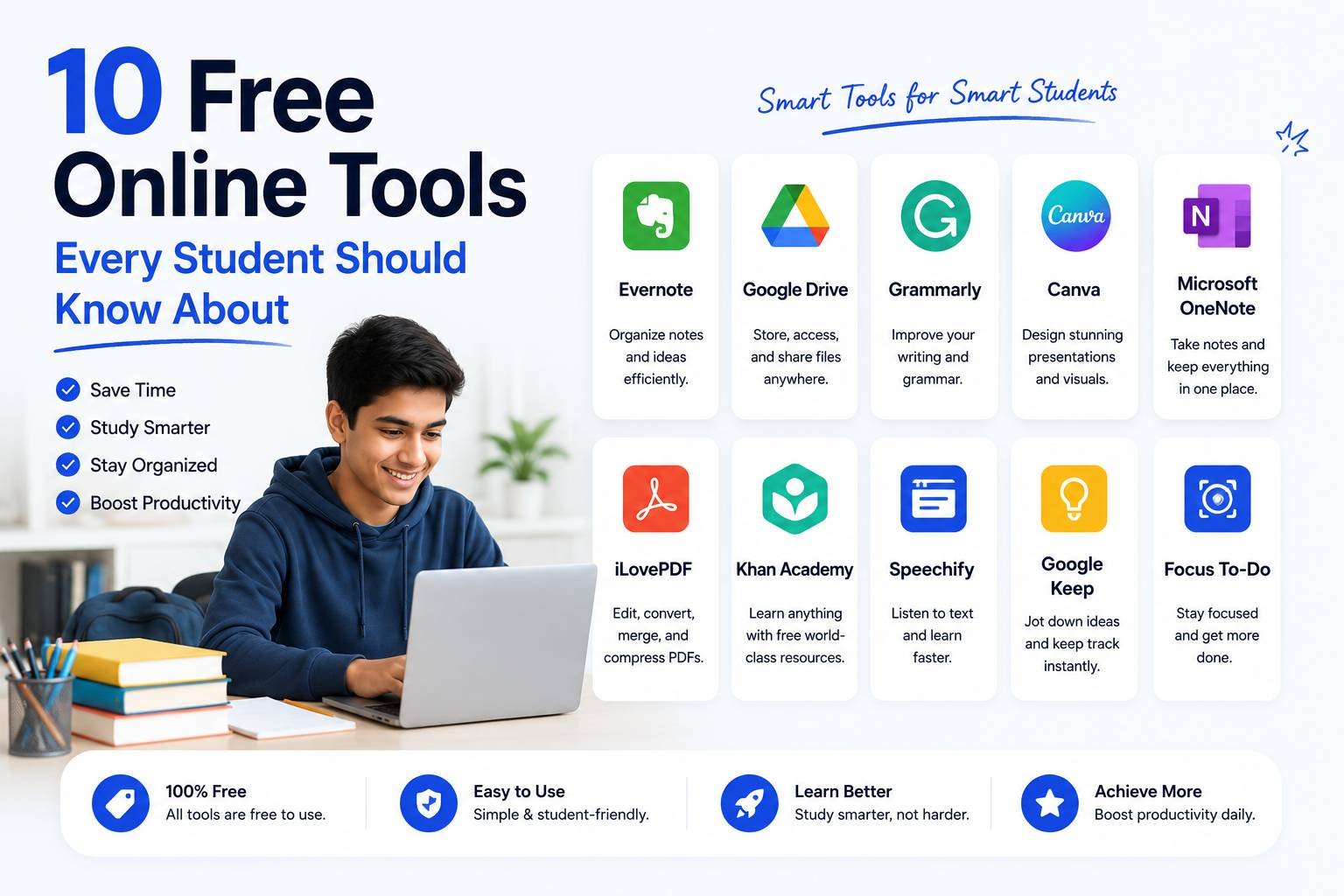
10 Free Online Tools Every Student Should Know About
Between assignments, applications, projects, and presentations, students end up needing a surprising number of small digital tools — often for one-off tasks that don’t justify buying software. Here are ten free online tools that consistently save time during a typical school or college workload, along with when you’d actually use each one.
1. PDF Compressor
Almost every learning portal has a file size limit for assignment uploads, and scanned handwritten work often exceeds it easily. A PDF compressor shrinks your file down to meet the limit without making your handwriting illegible — essential before any online submission deadline.
2. PDF Merger
If your assignment involves multiple scanned pages or you need to combine a cover page with your actual work, a merge tool combines everything into a single PDF in the correct order — far more organized than submitting five separate image files.
3. Image to PDF Converter
For handwritten assignments or diagrams captured as phone photos, converting a batch of images into a single PDF is often required by learning management systems that only accept PDF uploads, not raw images.
4. Image Compressor
Uploading a profile photo, submitting a photo ID for an exam, or attaching an image to an online form frequently comes with strict file size limits (commonly under 50-100KB). An image compressor gets you there in seconds without manually adjusting quality settings by trial and error.
5. Word Counter
Most essays, reports, and application statements come with strict word count requirements. A word counter tool instantly tells you exactly where you stand, including character count for platforms with stricter limits.
6. Citation Generator
Formatting references correctly in APA, MLA, or Chicago style by hand is tedious and easy to get wrong. A citation generator formats your sources correctly and consistently, saving significant time on long research papers.
7. YouTube Video Downloader (for offline lecture review)
Many courses now include recorded video lectures. For situations with unreliable internet access, downloading lecture videos (where permitted by your institution) allows offline review while studying — useful for exam preparation in areas with poor connectivity.
8. Background Remover
Useful for creating a clean passport-style photo for ID cards or applications, or for cleaning up an image for a presentation slide without a messy background distracting from the content.
9. Unit and Grade Converter
Whether it’s converting GPA scales between countries for a study-abroad application, or converting measurement units for a science assignment, a quick converter tool avoids manual calculation errors that are easy to make under deadline pressure.
10. QR Code Generator
Increasingly used in student projects and presentations — linking a QR code to a project video, portfolio site, or survey form gives your presentation a more professional, interactive touch without requiring the audience to type out a URL.
Why Free Browser Tools Work Well for Student Use
Unlike paid software subscriptions, these tools share a few advantages that matter specifically for student workloads:
- No installation — usable on shared computers, library machines, or borrowed laptops
- No account required for most single-task tools, avoiding another password to manage
- Works on mobile — many assignments and forms get handled directly from a phone between classes
- Free by nature — no need to justify a subscription for something used occasionally
A Simple Workflow Example
Here’s how several of these tools typically get used together in a real assignment scenario:
- Take photos of handwritten assignment pages
- Convert the images into a single PDF
- Compress the PDF to fit the portal’s upload limit
- Check the word count on the accompanying written summary
- Generate correctly formatted citations for the reference list
- Submit before the deadline
What would otherwise require several different paid apps or manual formatting work gets condensed into a five-minute process using free tools.
Final Thoughts
Most students don’t need expensive software subscriptions for day-to-day academic tasks — they need quick, reliable access to a handful of small tools that solve specific, recurring problems: shrinking a file, merging pages, checking a word count, or formatting a citation. Keeping a shortlist of trusted free tools bookmarked saves real time across an entire semester, especially during deadline-heavy weeks when every extra minute counts.